
Download Tenorshare Phone Mirror – Free Screen Mirroring Tool for Windows & macOS
Overview
Tenorshare Phone Mirror is a free screen‑mirroring software that bridges the gap between your mobile device and your computer. Developed by Tenorshare Co., Ltd., the tool lets you stream any Android or iOS screen to a Windows PC or macOS laptop in real time. Beyond simple mirroring, Phone Mirror transforms your computer into a remote control hub: you can navigate apps, answer calls, send texts, and even play mobile games using a keyboard and mouse. The solution is especially handy for gamers who want the precision of a PC keyboard for titles like PUBG Mobile, Free Fire, or Genshin Impact, as well as for students and professionals who need a larger display for online classes, webinars, or conference sharing. With support for up to five devices simultaneously, families can collaborate on the same screen, making it easy to show photos, watch movies, or troubleshoot a phone together. The interface includes useful utilities such as screen capture, video recording, and one‑click rotation or full‑screen mode. While the core functionality is free, Tenorshare offers optional premium upgrades for faster data transfer and priority support. Overall, Tenorshare Phone Mirror positions itself as a versatile, secure, and user‑friendly way to extend the reach of your mobile device without the hassle of cables or third‑party streaming services.
Key Features
- Free screen mirroring from Android and iOS to Windows 10/11 or macOS 10.13+.
- Full device control using PC mouse and keyboard, including custom key mapping for popular mobile games.
- Supports up to five devices simultaneously for collaborative sessions.
- USB‑cable and Wi‑Fi connection options for stable, low‑latency streaming.
- One‑click screen rotation, full‑screen mode, and adjustable resolution.
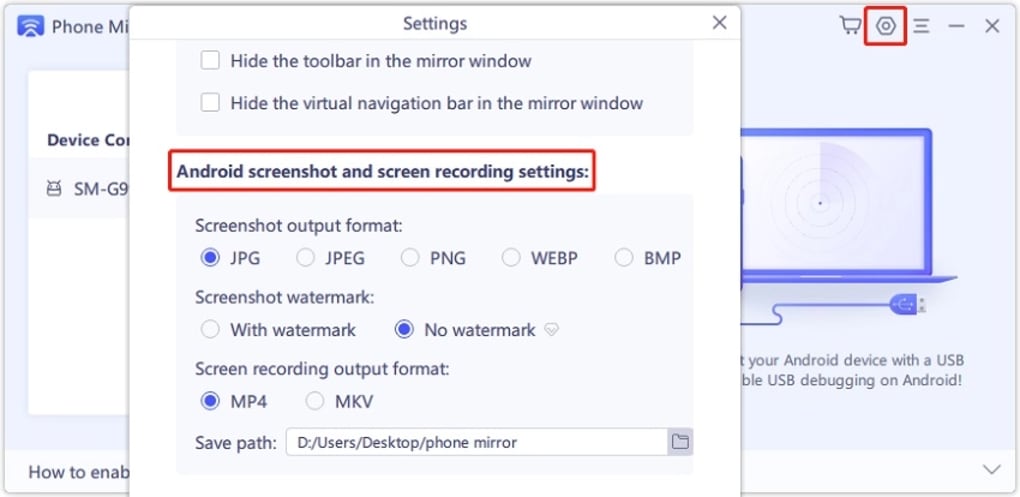
- Built‑in screenshot tool with instant copy‑to‑clipboard and social‑media sharing.
- Video recording directly from the mirrored screen without needing a separate capture card.
- Ability to make and receive phone calls, send SMS, and access contacts from the PC.
- Pre‑set key configurations for games like PUBG Mobile, Free Fire, Among Us, and Genshin Impact, with full customization.
- Secure data handling with no cloud upload; all mirroring stays local between device and computer.
Installation & Usage Guide
Step‑by‑Step Installation
Downloading and installing Tenorshare Phone Mirror is straightforward:
- Visit the official Tenorshare website and click the “Download for Windows” or “Download for macOS” button.
- Run the installer (PhoneMirrorSetup.exe for Windows, .dmg for macOS) and follow the on‑screen prompts.
- During installation, grant the necessary permissions: access to your microphone, camera, and file system.
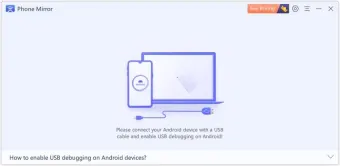
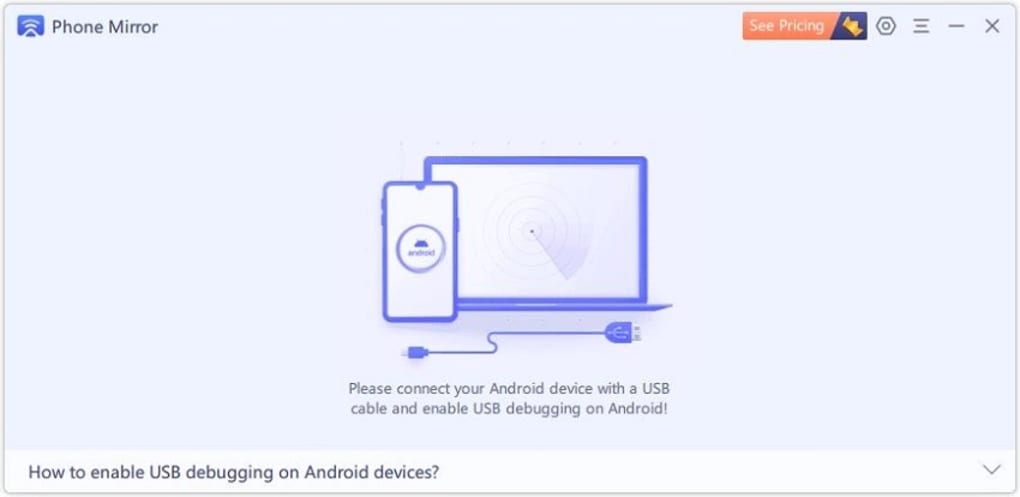
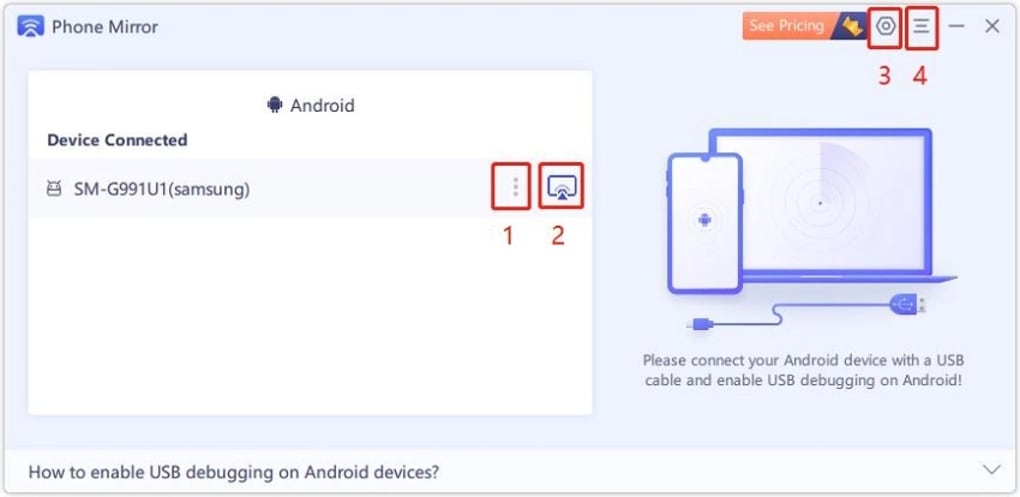
- After the program launches, you’ll see a clean dashboard with a “Connect Device” button.
- Connect your smartphone via a USB cable (recommended for the best stability) or enable Wi‑Fi mirroring from the app’s settings.
Using the Application
Once your device is detected, the PC screen instantly mirrors the mobile display. You can interact with the phone using your mouse—click to tap, scroll with the wheel, and drag to swipe. Keyboard shortcuts can be customized in the “Key Mapping” tab, which is especially useful for gaming. To take a screenshot, press the camera icon; the image copies to the clipboard and can be pasted into any document or social platform. For video recording, click the red “Record” button; the file saves automatically in the “Videos” folder. The app also offers a “Full‑Screen” toggle, which expands the mirrored view to cover the entire monitor, and a “Rotate” option for portrait‑mode phones.
Compatibility
Tenorshare Phone Mirror supports the following operating systems:
- Windows 10, Windows 11 (64‑bit)
- macOS 10.13 High Sierra and later (Intel & Apple Silicon)
- Android 5.0 Lollipop and above (USB debugging enabled)
- iOS 10.0 and above (requires Lightning to USB adapter for wired mode)
The software works with most mainstream smartphone manufacturers, including Samsung, Google Pixel, OnePlus, Huawei, Apple iPhone, and Xiaomi. For Wi‑Fi mirroring, both devices must be on the same local network and have the “Allow network access” option enabled in the app’s settings.
Frequently Asked Questions
Is Tenorshare Phone Mirror really free?
Yes, the core mirroring and control features are completely free. Premium upgrades are optional and provide faster connection speeds and priority technical support.
Do I need a high‑speed internet connection for Wi‑Fi mirroring?
A stable 5 GHz Wi‑Fi network is recommended for smooth video playback and minimal lag. However, the USB cable option bypasses the network entirely, delivering the most reliable performance.
Can I mirror multiple phones at the same time?
Yes, Phone Mirror can handle up to five devices simultaneously, each shown in a separate window on your PC. This is ideal for family gatherings or collaborative work sessions.
Is my data safe while using Phone Mirror?
All mirroring data stays local between your phone and computer. Tenorshare does not upload any screen content to the cloud, ensuring privacy and security.
Why does the screen sometimes appear blurry or laggy?
Blurriness or lag can be caused by low USB bandwidth, outdated device drivers, or a congested Wi‑Fi network. Using a high‑quality USB‑C cable and updating your graphics drivers usually resolves the issue.
Pros, Cons & Final Verdict
Pros
- Completely free core functionality.
- Supports both Android and iOS without additional apps.
- Low‑latency USB connection for gaming and video playback.
- Customizable key mapping for popular mobile games.
- Built‑in screenshot and video recording tools.
- Secure local mirroring with no cloud upload.
- Ability to control up to five devices simultaneously.
Cons
- Occasional blurriness on Wi‑Fi mode if network is unstable.
- Advanced features (e.g., higher frame rates) require a premium upgrade.
- Mac users may need to grant additional security permissions during installation.
Conclusion & Call to Action
Tenorshare Phone Mirror stands out as a reliable, free solution for anyone who wants to extend their mobile experience onto a larger screen. Whether you’re a gamer seeking precise controls, a student needing a bigger display for online lectures, or a family member wanting to share photos and videos effortlessly, the software delivers a smooth and secure mirroring experience. While occasional lag on wireless connections can be a minor annoyance, the USB option eliminates this concern, making the tool versatile for a wide range of scenarios. Considering the generous feature set, lack of hidden fees, and robust security, Phone Mirror earns a solid place in the screen‑mirroring market.
Ready to enhance your mobile workflow? Download Tenorshare Phone Mirror now and start mirroring, controlling, and recording your device instantly—free of charge.







